Skip to content

Saving a file from NAV to local computer

Author
Gregg Vaughan
Views
1733
Last updated


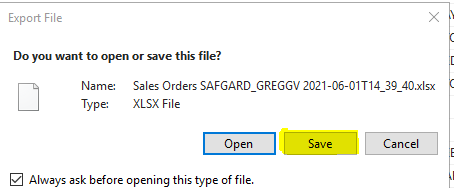
  1. Click Save                                                                                                                                                                                                                                                                                                                                                                                
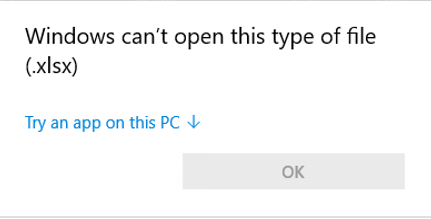
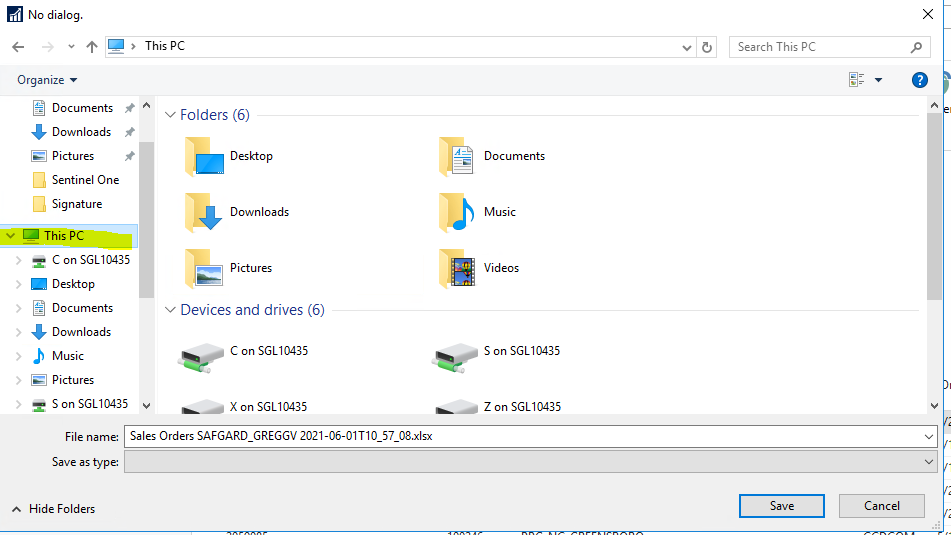
    1. If you click open, you will see the box below, and won’t be able to open it correctly.
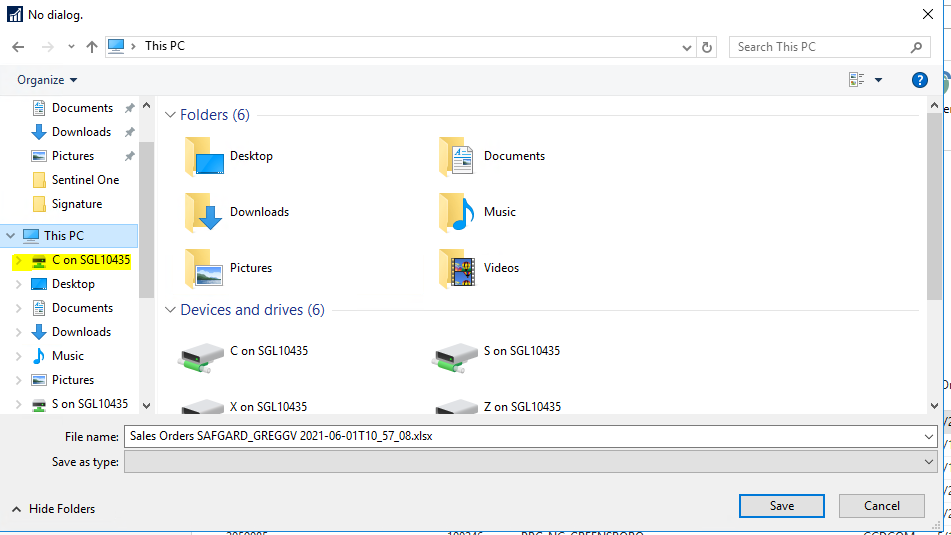
  2. In the file tree (Lefthand side) Click this PC                                                                                                                                                                
  3. Click on C on “Your Computername”                                                                                                                                                                                  
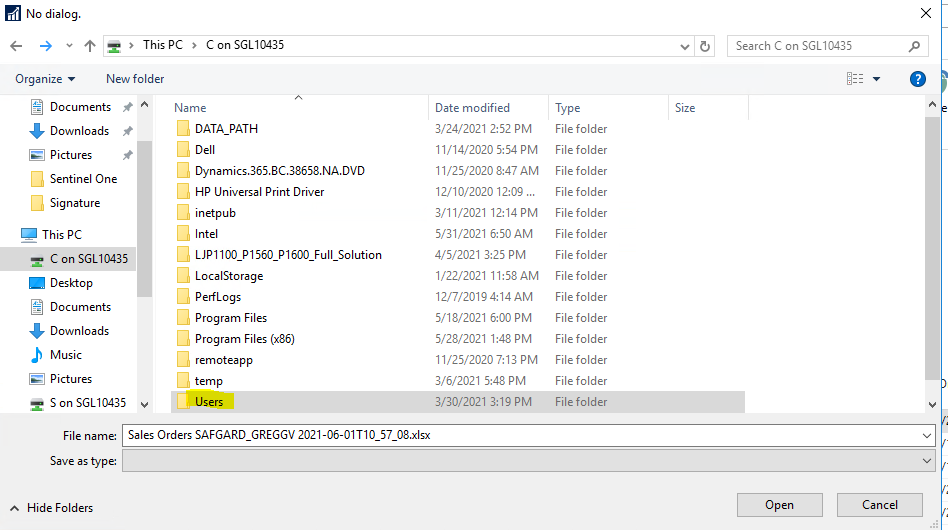
  4. Click Users                                                                                                                                                                                                                          
  5. Click your username
  6. Click on the folder you want to save it in
  7. If you want to change the name click in the filename field and change it.                                                                                                          
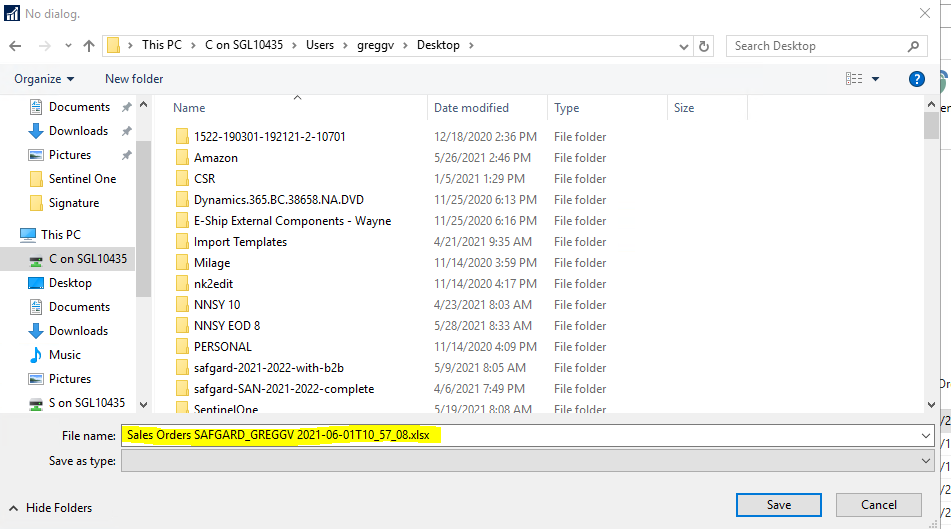
  8. Click Save.

Tags