Setting Up 3CX

Last updated: Sep 04, 2026
213
views

Setting Up 3CX
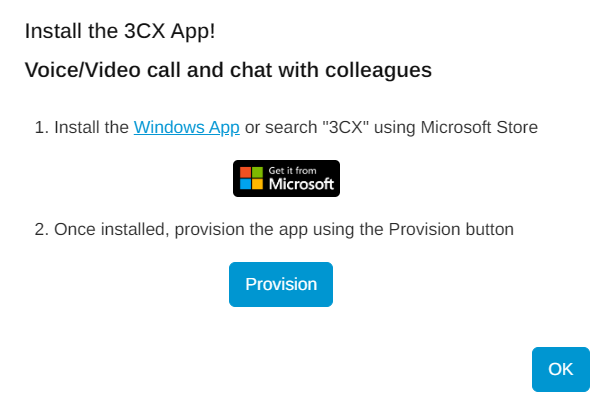
Step 1. Open the Microsoft Store and install 3CX.
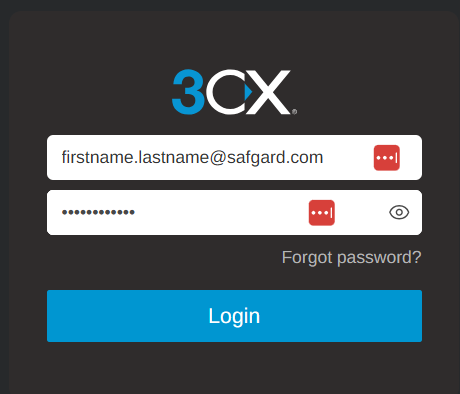
Step 2. Once installed, click on this link to navigate to SafGard's 3CX website [Apps - 3CX], and log in once you reach the page. If you have not yet created an account, or do not remember your password, select "Forgot password?" and follow the instructions.
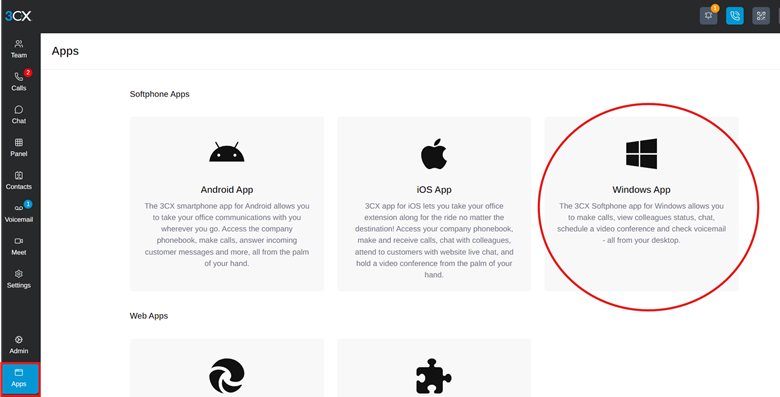
Step 3. Once logged in, navigate to "Apps" on the bottom left-hand side of the screen and click "Windows App."
Step 4. Click "Provision" to complete the setup.